Cross-Account Patterns Beyond the Landing Zone (2026): RAM, Delegated Admin, Route 53 Profiles, RCPs, and Declarative Policies
Quick summary: Your landing zone set up the org, OUs, and baseline SCPs — then most teams stall, duplicating resources per account and wiring brittle cross-account role chains. Since re:Invent 2024 the toolkit changed: RCPs bound what can be done TO a resource (even by external principals), declarative policies enforce EC2/VPC/EBS config state that survives new APIs, and one Route 53 Profile can push DNS to up to 5,000 VPCs. Here is the mechanism-by-job decision matrix and a rollout order that avoids lockouts.
Key Takeaways
- This is for platform, networking, and security teams who already run AWS Control Tower or an equivalent landing zone
- Benchmark pattern (not a cited client) — A composite 40-account org, ~3 VPCs per workload account, centralized DNS that had been hand-associated per VPC
- Modeled arithmetic: ~120 per-VPC DNS associations collapse to one Route 53 Profile (a single Profile supports up to 5,000 VPCs) shared to the workload OU via RAM
- The win isn't a dollar figure — it's that account #41 inherits networking and DNS on creation instead of generating a setup ticket
- Building cross-account IAM role chains to reach a shared subnet is the anti-pattern; RAM shares it natively and auditably
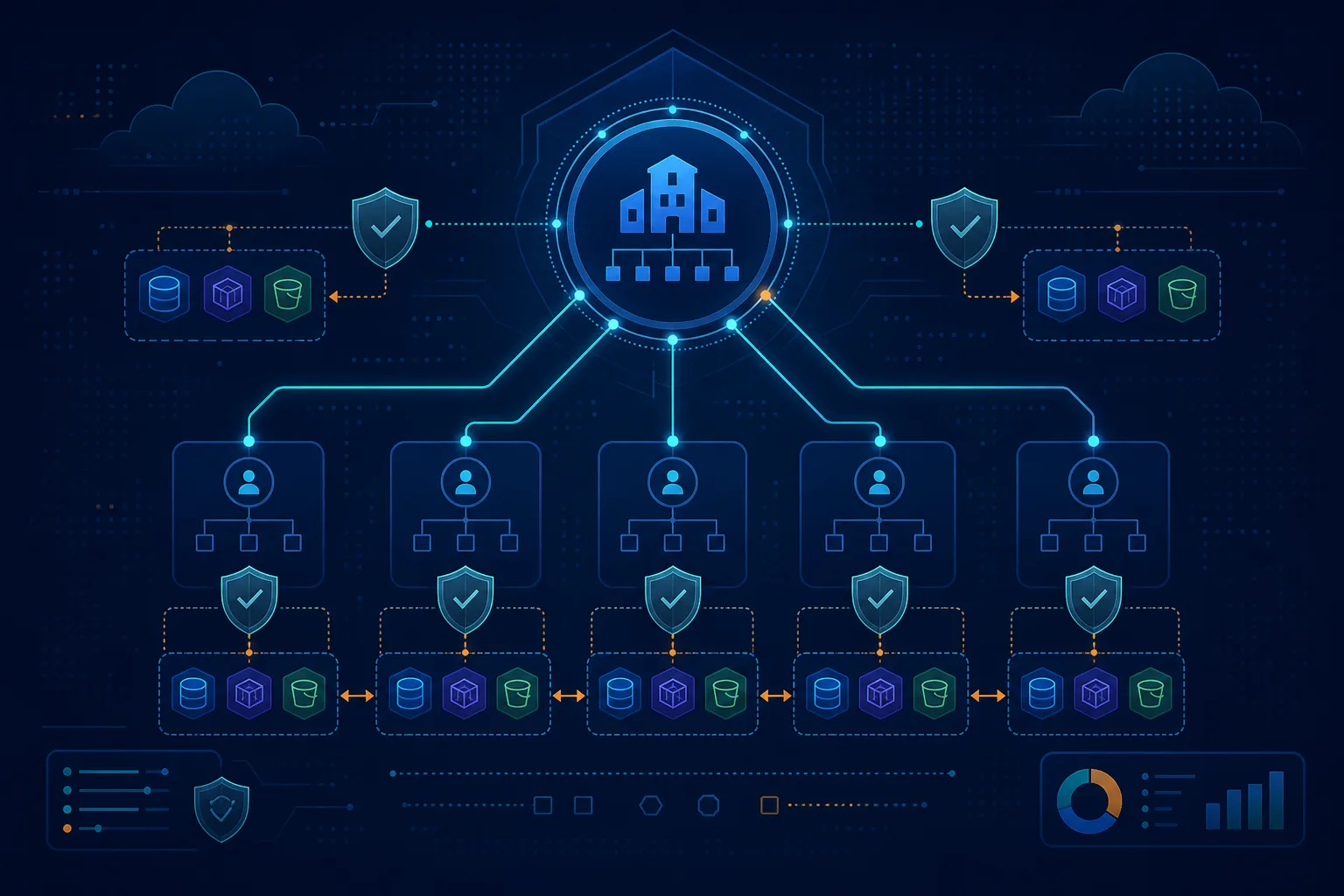
Table of Contents
Your landing zone is done — the org exists, OUs are carved out, the account factory works, and baseline SCPs are attached. That is where most multi-account programs quietly stall. The next failures aren’t foundational; they’re operational: teams duplicate the same VPC/DNS/security config into every new account, wire brittle cross-account IAM role chains for things AWS now shares natively, and write SCPs that break the moment AWS ships a new API. Since AWS re:Invent 2024 (November 2024) the toolkit for “day two” multi-account is materially different — Resource Control Policies (RCPs) and declarative policies are new policy types, and Amazon Route 53 Profiles collapses cross-account DNS. This post is the mechanism-by-job map, not another landing-zone walkthrough.
This is for platform, networking, and security teams who already run AWS Control Tower or an equivalent landing zone. We ship a cross-account sharing & guardrail decision matrix and an example RCP data-perimeter policy.
Benchmark pattern (not a cited client) — A composite 40-account org, ~3 VPCs per workload account, centralized DNS that had been hand-associated per VPC. Modeled arithmetic: ~120 per-VPC DNS associations collapse to one Route 53 Profile (a single Profile supports up to 5,000 VPCs) shared to the workload OU via RAM. The same shape replaces dozens of bespoke cross-account peering/role relationships with a handful of OU-scoped RAM shares for subnets and Transit Gateway. The win isn’t a dollar figure — it’s that account #41 inherits networking and DNS on creation instead of generating a setup ticket.
The four jobs — and the one mechanism for each
Almost every “how do we do X across accounts” question is really one of four jobs. Picking the wrong mechanism is what creates sprawl.
Job 1: share a resource one account owns with others → AWS RAM
Centralized VPC subnets, Transit Gateway, Route 53 Profiles, License Manager configs, Service Catalog portfolios — share them with AWS Resource Access Manager, scoped to an OU, not an account list. Building cross-account IAM role chains to reach a shared subnet is the anti-pattern; RAM shares it natively and auditably.
Job 2: administer a service org-wide without the management account → delegated administrator
GuardDuty, Security Hub, AWS Config, IAM Access Analyzer, Inspector, and account provisioning all support a delegated administrator. Run them from a dedicated Security account and keep the management account minimal. The management account is for billing and org structure; treat a console login to it as an alarmable event. (This is also why your least-privilege IAM baseline matters most there.)
Job 3: standardize DNS across VPCs and accounts → Route 53 Profiles
Define private hosted zones, Resolver rules, and DNS Firewall rule groups once in a Profile and apply across the org, shared via RAM. One Profile → up to 5,000 VPCs; since April 2025 it also covers interface VPC endpoint hosted zones. This replaces the per-VPC association toil that DNS traffic-management setups used to require at scale.
Job 4: guarantee a config or block an action everywhere → SCP, RCP, or declarative policy
This is the one teams get wrong, because the three look similar and aren’t:
- SCP — caps what principals can do (deny org-leave, deny disabling CloudTrail, region deny). Evaluated against the caller.
- RCP — caps what can be done to a resource, including by external principals (deny S3 access from outside the org = data perimeter). Evaluated against the resource.
- Declarative policy — enforces a service configuration (VPC Block Public Access, block public AMIs) that persists across new APIs, for EC2/VPC/EBS today.
Opinionated take: stop writing SCPs that deny individual config-changing APIs. The day AWS ships a new API reaching the same end state, your SCP is a false sense of security. For configuration baselines, use a declarative policy (“set once”) and keep SCPs for identity-side guardrails and RCPs for the data perimeter.
What broke — A team rolled an RCP enforcing an S3 org-identity perimeter straight to the organization root to “lock down data fast.” Within an hour a legitimate partner-facing data exchange — an external account that had been granted bucket access on purpose — started returning Access Denied, because the RCP denies external principals regardless of the bucket policy. Detected via a spike in CloudTrail
AccessDeniedon the export bucket. The fix was to add a scoped exception (aws:PrincipalOrgIDplus an explicit allow path for the known partner principal) and to do what should have come first: stage the RCP in a non-prod OU, review denials for a week, then promote. RCPs are powerful precisely because they ignore the bucket policy — which is exactly why you stage them.
Rollout order that avoids lockouts
- Enable all features in AWS Organizations (required for SCP/RCP/declarative).
- Stand up the Security delegated-admin account; move GuardDuty/Security Hub/Config admin there.
- Replace per-account duplication with RAM shares to OUs (subnets, Transit Gateway, Route 53 Profiles).
- Add declarative policies for config baselines (VPC Block Public Access, public-AMI block): sandbox OU → staging OU → root.
- Add RCPs for the data perimeter (start with S3/STS/KMS/SQS/Secrets Manager), tested in a non-prod OU with CloudTrail review before root.
- Keep SCPs for identity guardrails (deny org-leave, deny disabling security services, region deny).
What to do this week
- Inventory every place you’ve duplicated networking/DNS config per account — pick the worst offender and move it to a RAM share or a Route 53 Profile.
- Confirm GuardDuty, Security Hub, and Config run from a delegated-admin Security account, not the management account.
- Run the decision matrix over your top three “cross-account” pain points and label each as a RAM / delegated-admin / Profiles / SCP / RCP / declarative job.
- Stage the example RCP in a non-prod OU and watch CloudTrail before promoting.
What this post doesn’t cover
- Building the landing zone itself — see Control Tower multi-account governance and multi-account landing zone best practices. For OU taxonomy and policy layering (SCP vs RCP vs declarative), see enterprise governance & guardrails.
- Secure cross-account data sharing (Lake Formation / data mesh grants) — see Lake Formation cross-account sharing (2026); a different mechanism than RAM resource shares.
- Exact RCP-supported services and declarative-policy attributes — these expand over time; confirm in the AWS Organizations User Guide.
- Cost allocation across accounts — see tagging, chargeback & FinOps ownership.
Related: Control Tower governance · Landing zone best practices · VPC networking · IAM least privilege · AWS managed services
If you only do one thing: Take your single most-duplicated cross-account config and replace it with an OU-scoped RAM share or a Route 53 Profile — so the next account you create inherits it instead of filing a ticket.
Frequently asked questions
What is the difference between an SCP and an RCP?
When should we NOT use a Resource Control Policy?
What are declarative policies and how are they different from SCPs?
How does Amazon Route 53 Profiles change multi-account DNS?
Should we share resources to specific account IDs or to an OU?
Do these patterns replace the landing zone or Control Tower?

AWS Cloud Architect & AI Expert
AWS-certified cloud architect and AI expert with deep expertise in cloud migrations, cost optimization, and generative AI on AWS.